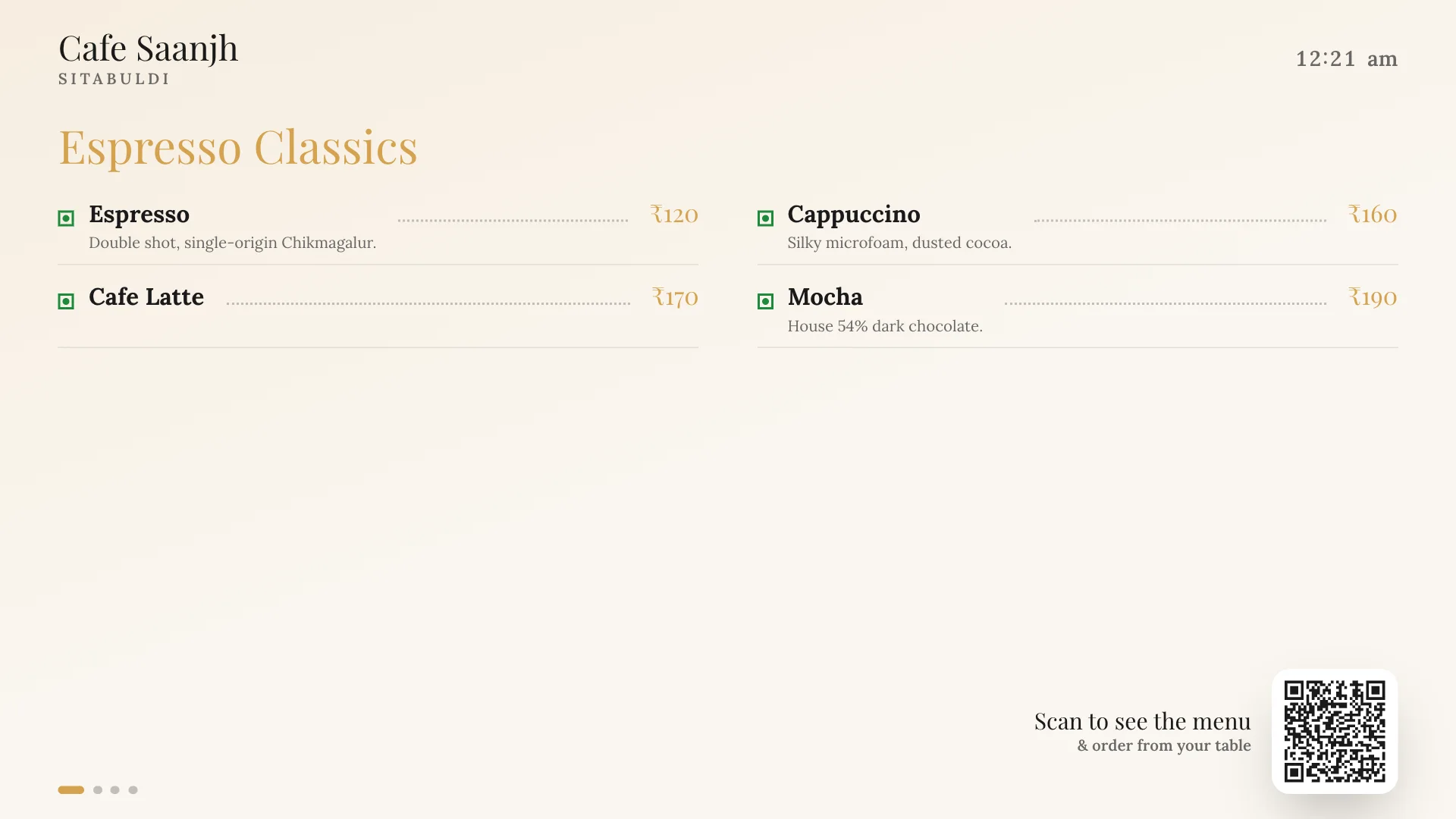
Now showing at Cafe Saanjh. Tuesday menu. Every day · prices live from your phone.
Your Diwali menu should not look like your Tuesday menu.
One QR on the table, printed once. Behind it, a menu with your dish photos that changes the moment you do: a new look for every festival, sold out from your phone, orders to the kitchen, and reels for Instagram cut from the same menu.
Invite only for now, for cafes and restaurants in Nagpur and Pune. Nothing for your guests to install.
Change the show. The phone is the real menu:
Cafe Saanjh
Sitabuldi, Nagpur
Most loved
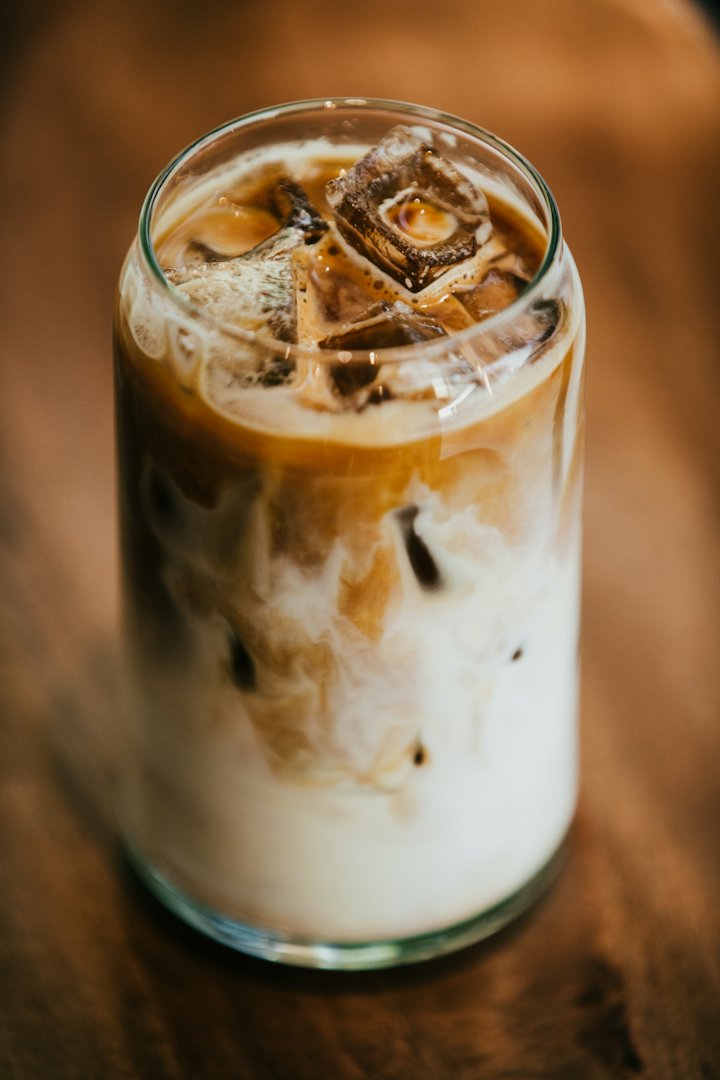
Cold Brew
18-hour steep, served over ice.
welcome to
Cafe Saanjh
Sitabuldi, Nagpur
Most loved
- Cold Brewbestseller₹160
18-hour steep, served over ice.
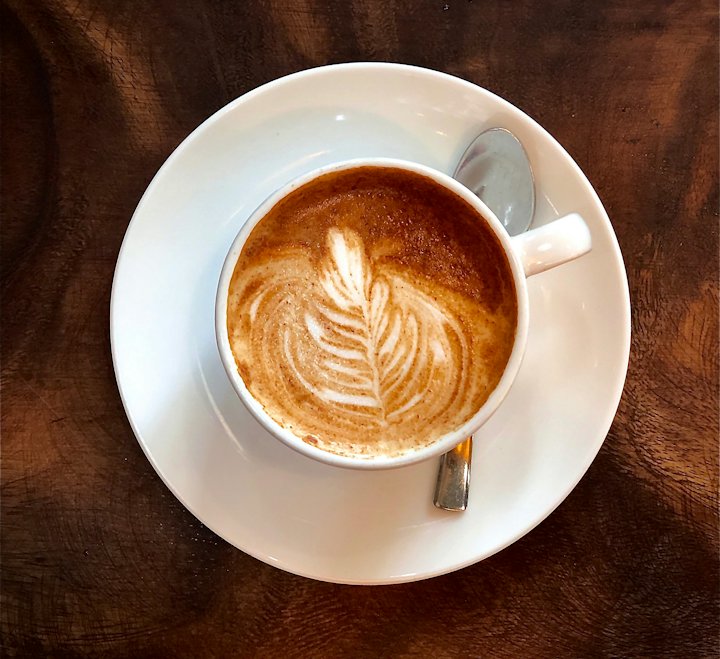
- Cappuccinobestseller₹160
Silky microfoam, dusted cocoa.
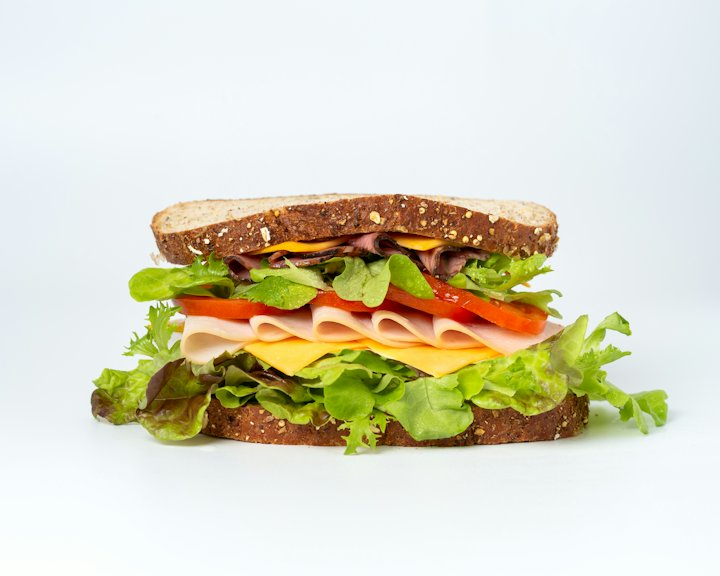 Chicken Tikka Sandwichspicybestseller₹190
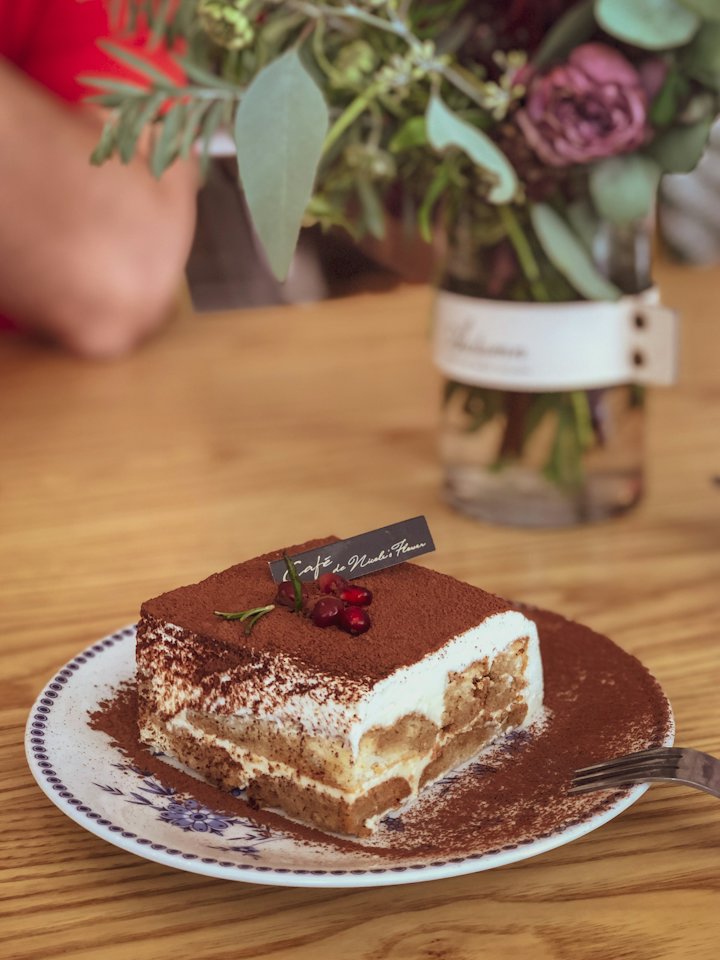 Tiramisu Jarbestseller₹220
Manual Brews
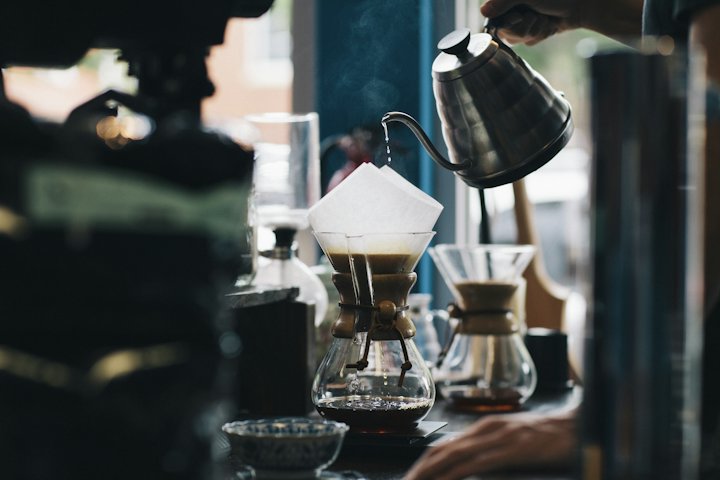 Pour Over V60new₹180
Single estate, floral & bright.
- Cold Brewbestseller₹160
18-hour steep, served over ice.
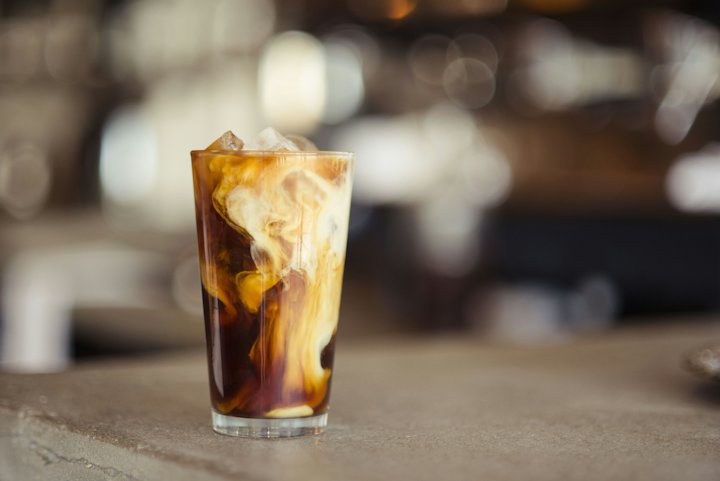 Vietnamese Iced Coffee₹190
Espresso Classics
 Espresso₹120
Double shot, single-origin Chikmagalur.
- Cappuccinobestseller₹160
Silky microfoam, dusted cocoa.
- Cafe Latte₹170
- Mocha₹190
House 54% dark chocolate.
All-Day Bites
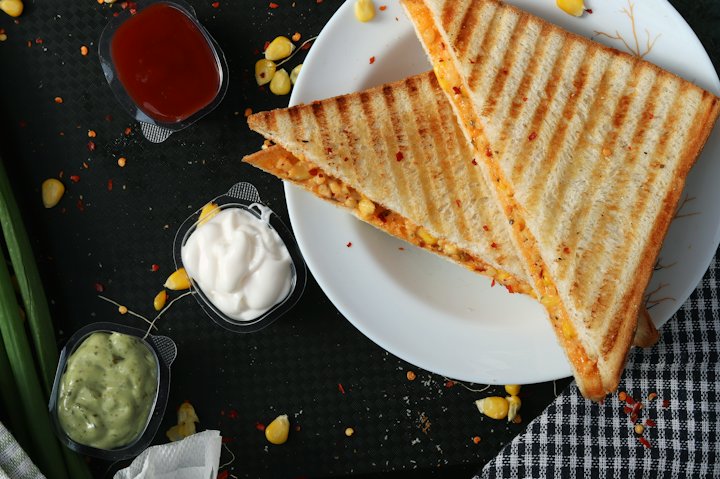 Veg Grilled Sandwich₹150
Sourdough, three cheeses, house pesto.
- Paneer Tikka Sandwichspicy₹180
- Chicken Tikka Sandwichspicybestseller₹190
- Egg Bhurji Toast₹140
Desserts
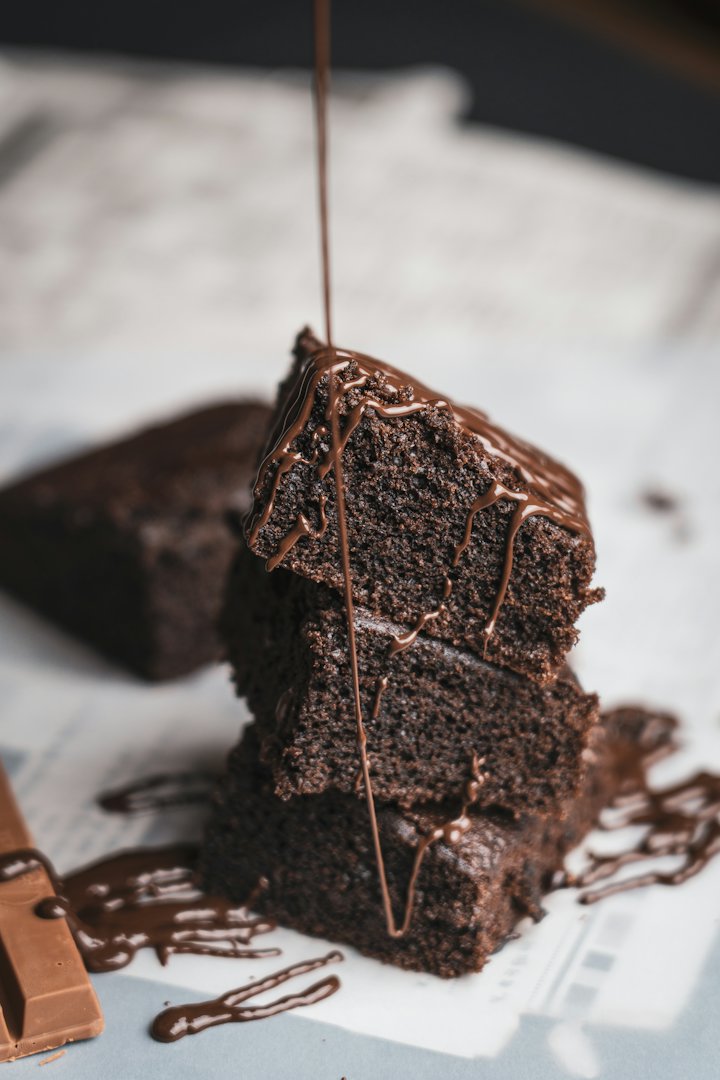 Classic Brownie₹140
Warm, with salted caramel.
- Tiramisu Jarbestseller₹220
Fifteen ways to show one menu
Each one is its own design, with its own type, ornaments and manners, not a colour swap on one grid. Point it at your logo and it re-dresses in your colours and fonts.
Your photos lead. Every layout frames them its own way, a halftone in The Gazette, a polaroid on the Chalkboard, and a dish without a photo prints no empty box.
The cover moves. The menu opens on your dishes in slow motion, or on your own video, always captioned with a real dish, its price and a way to order it.
And a sixteenth that is yours. In the Theme Designer, pick a layout, set the palette and two fonts, and save it as your cafe's own.
Cafe Saanjh
Sitabuldi, Nagpur
Most loved
Cold Brew
18-hour steep, served over ice.
Vol. 1Daily bill of fareSitabuldi, Nagpur
Cafe Saanjh
“Everything on this page is served fresh, read it while it's hot.”
Most loved
Pictured: Cold Brew Cold Breweditor's pick₹16018-hour steep, served over ice.
Pictured: Cappuccino Cappuccinoeditor's pick₹160Silky microfoam, dusted cocoa.
Pictured: Chicken Tikka Sandwich Chicken Tikka Sandwicheditor's pick₹190Pictured: Tiramisu Jar Tiramisu Jareditor's pick₹220
Manual Brews
Pictured: Pour Over V60 Pour Over V60₹180Single estate, floral & bright.
Pictured: Cold Brew Cold Breweditor's pick₹16018-hour steep, served over ice.
Pictured: Vietnamese Iced Coffee Vietnamese Iced Coffee₹190
Espresso Classics
Pictured: Espresso Espresso₹120Double shot, single-origin Chikmagalur.
Pictured: Cappuccino Cappuccinoeditor's pick₹160Silky microfoam, dusted cocoa.
- Cafe Latte₹170
- Mocha₹190
House 54% dark chocolate.
All-Day Bites
Pictured: Veg Grilled Sandwich Veg Grilled Sandwich₹150Sourdough, three cheeses, house pesto.
- Paneer Tikka Sandwich₹180
Pictured: Chicken Tikka Sandwich Chicken Tikka Sandwicheditor's pick₹190- Egg Bhurji Toast₹140
Desserts
Pictured: Classic Brownie Classic Brownie₹140Warm, with salted caramel.
Pictured: Tiramisu Jar Tiramisu Jareditor's pick₹220
The Gazette, running live. Scroll it, tap a dish.
A new show every festival
Pick the occasion and the menu arrives dressed: layout, palette, fonts, garlands where they belong, and the starter categories a Navratri or an Iftar menu actually needs. Set the dates, tick the branches, and it takes itself down when it ends. Your regular menu is never touched. 33 are ready, each lettered below in its own look.
Festivals8
- DiwaliOct · Nov
5 days - Navratri / VratSep · Oct
9 days - ChristmasDec
3 days - New Year's EveDec · Jan
2 days - Valentine's WeekFeb
8 days - Ganesh ChaturthiAug · Sep
10 days - Gudi PadwaMar · Apr
2 days - Ramadan / EidFeb · Mar · Apr
30 days
Special days9
- Mother's DayMay
1 day - Father's DayJun
1 day - Women's DayMar
1 day - Independence DayAug
1 day - Friendship DayAug
1 day - Children's DayNov
1 day - Teachers' DaySep
1 day - HalloweenOct
1 day - EasterMar · Apr
2 days
Seasonal5
- Mango SeasonApr · May · Jun
60 days - Monsoon SpecialsJun · Jul · Aug · Sep
90 days - Summer CoolersMar · Apr · May · Jun
90 days - Winter SpecialsNov · Dec · Jan · Feb
90 days - Strawberry SeasonDec · Jan · Feb
60 days
Your cafe11
- Match Night (IPL)Mar · Apr · May
60 days - Weekend BrunchAny time
365 days - Chef's SpecialsAny time
7 days - Live Music NightAny time
1 day - Cafe AnniversaryAny time
3 days - New LaunchAny time
7 days - Late-Night MenuAny time
365 days - High TeaAny time
365 days - Kids MenuAny time
365 days - Private PartyAny time
1 day · QR only - Jain MenuAny time
365 days
Its own dates
It goes live on the first day and comes down after the last. Nobody has to remember.
Banner or private
Public shows as a banner on your regular menu. Private opens only from its own QR.
Its own QR and A4
Every event gets its own code and a print ready A4 PDF with the code on it.
Reminded in time
The dashboard says what is coming this month and next, and opens the wizard on it.
Trailers for Instagram
Promo reels for Instagram and WhatsApp Status, made from the menu you already keep. Pick the dish, add a photo or a clip from your phone, and it comes out in your menu's own look with its own sound, ready to post. Make one from the Reels page or straight off any dish in the menu editor. 7 kinds, below, each playing the real thing. Every cafe gets a monthly allowance.
Show times
Housefull in two taps
Mark a dish sold out from your phone and it is gone from every table, every printed code and the TV above the counter while the guest is still deciding. Prices the same. The QR on the table never changes, so nothing is ever reprinted.
Try it. These are the owner's two taps; the phone is a guest at table four.
welcome to
Cafe Saanjh
Sitabuldi, Nagpur
Most loved
- Cold Brewbestseller₹160
18-hour steep, served over ice.
- Cappuccinobestseller₹160
Silky microfoam, dusted cocoa.
- Chicken Tikka Sandwichspicybestseller₹190
- Tiramisu Jarbestseller₹220
Manual Brews
- Pour Over V60new₹180
Single estate, floral & bright.
- Cold Brewbestseller₹160
18-hour steep, served over ice.
- Vietnamese Iced Coffee₹190
Espresso Classics
- Espresso₹120
Double shot, single-origin Chikmagalur.
- Cappuccinobestseller₹160
Silky microfoam, dusted cocoa.
- Cafe Latte₹170
- Mocha₹190
House 54% dark chocolate.
All-Day Bites
- Veg Grilled Sandwich₹150
Sourdough, three cheeses, house pesto.
- Paneer Tikka Sandwichspicy₹180
- Chicken Tikka Sandwichspicybestseller₹190
- Egg Bhurji Toast₹140
Desserts
- Classic Brownie₹140
Warm, with salted caramel.
- Tiramisu Jarbestseller₹220
Orders without the chits
Guests order from the QR they are already reading: an Add button on every dish, a choice of milk or size where the dish has one, a note for the kitchen. Waiters take orders on their own screen. It all lands on one kitchen board with a sound and a printed ticket, and the server prices every line itself, so nobody orders at yesterday's price. Switched on for your cafe when you want it.
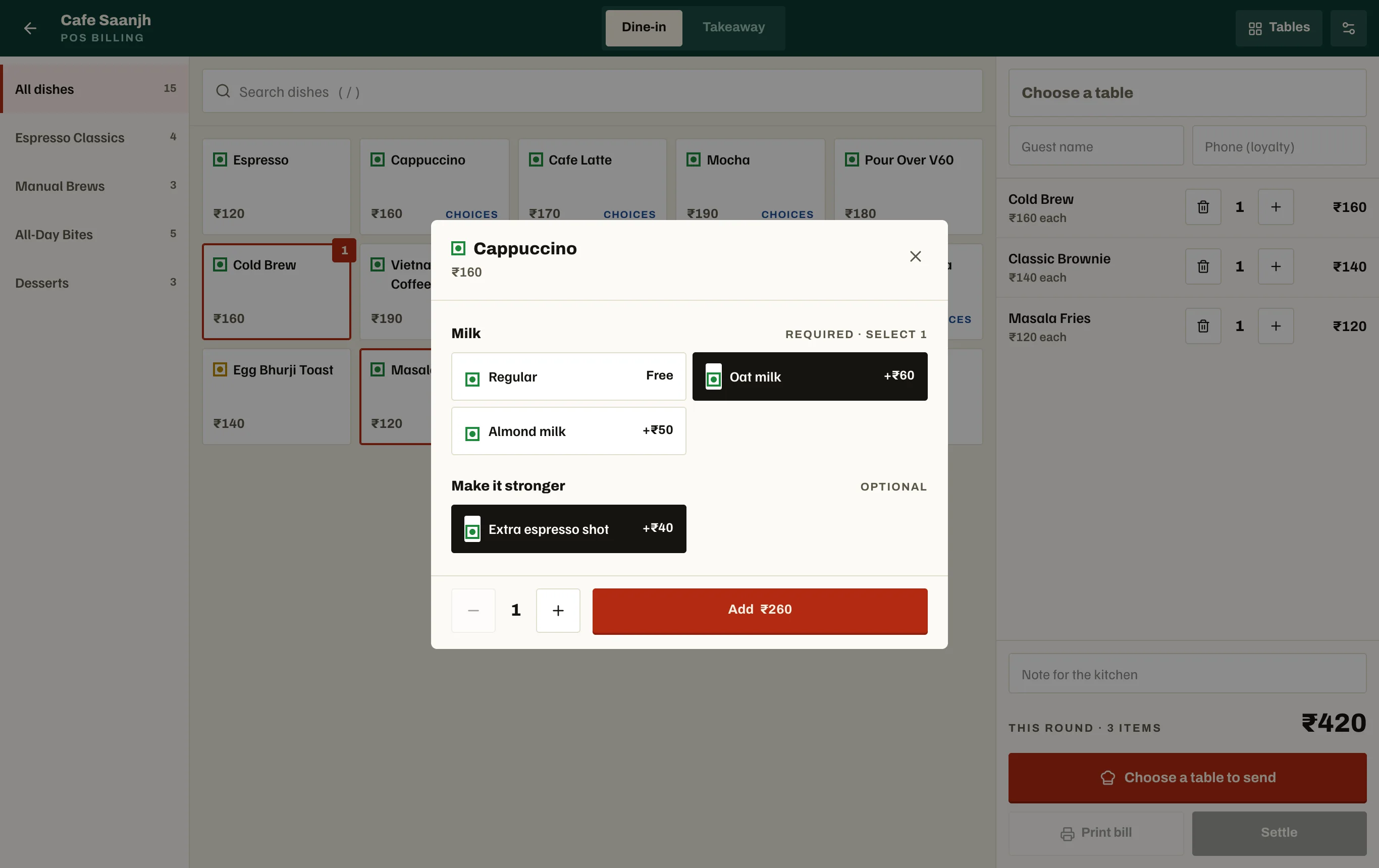
The till
POS billing for a counter laptop or a tablet. Rounds go onto a table's running bill; print the bill, settle it with a discount and how they paid, or run takeaway pay first.
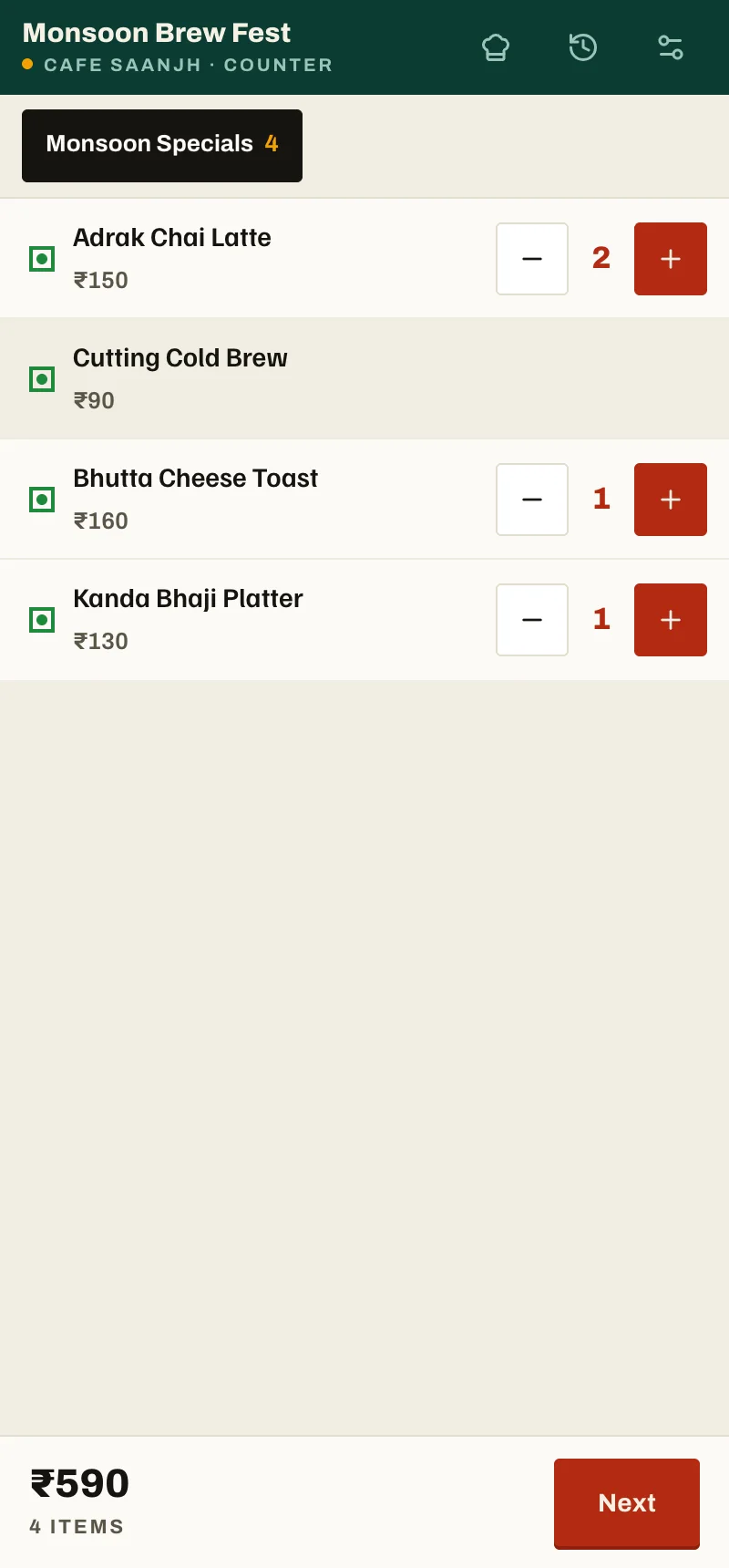
The ordering app
The same ordering screen as an Android app that prints straight to Bluetooth receipt printers, the cheap mini ones included. At a stall or a flea market it runs counter mode: pay first, the guest's name on the ticket, and every paid order kept on the phone before it is sent, so a dead network never loses one. At tables it runs rounds onto the bill.
Also at the counter
- Table sessions
- One seating is one bill, however many rounds it orders. The Tables page shows who is seated and what they have run up.
- The kitchen board
- Live, with a sound on every order and daily ticket numbers. Filter it by menu, so the event stall and the cafe each see their own.
- Sales report
- For an event: takings, the UPI, card and cash split, what sold, who took the orders, and refunds still owed. Export it as CSV.
- Order status
- After they order, the guest gets a live page that says where their food is.
- Staff alerts
- Staff are told when an order needs approving or the kitchen is waiting.
- Your money stays yours
- Guests pay through your own UPI QR, card machine or cash box. dine-in records how they paid; it never holds the money.
Bring them back
The menu already knows who sat where and what they ordered. These use it, and none of them need another app on anybody's phone.
- 1
Reviews, pointed the right way
The rating is asked on the order page while they are still at the table. Four and five stars go to your Google review page. One to three come to your private inbox, so you hear it first.
- 2
A guest book that fills itself
A phone number is optional at checkout. Give one and the visits, the spend and the punch card are kept against it. You set the punches and the reward; staff redeem it at the counter.
- 3
WhatsApp, without the Business API
Split the book into regulars, big spenders, people you have not seen in a month, and anyone one punch from a reward. Then open prefilled chats or copy the numbers into a broadcast list.
- 4
Stories, ready to post
Any menu or event exports as a 1080 by 1920 story in its own look, with the code on it.
The full bill
Everything dine-in does today, the way a poster credits a film: the stars first, then everyone else.
Starring
- 15 menu designsEach its own layout, re-dressed in your logo's colours and fonts.
- Your dish photosIn every layout, and a cover that opens the menu on them in slow motion.
- Festival menus33 ready to go, live on their dates, with their own QR.
- Promo reels7 kinds for Instagram and WhatsApp, made from your menu.
- Live sold out and pricesTwo taps on your phone; every table and the TV board follow.
- Orders to the kitchenFrom the table QR or the waiter, with add-ons, onto an 80mm KOT.
- POS and ordering appA till for the counter, and an Android app that prints over Bluetooth.
- Reviews and regularsGood ratings to Google, a guest book, a punch card, WhatsApp lists.
Also featuring
For your guests
- No app, no login, fast on a cheap phone
- Search and a veg only filter
- List or grid view, their choice
- A photo rail of your sections
- A dish sheet with the full description
- Veg, non veg and egg marks
- Tags: bestseller, spicy, new, must try
- An optional welcome card with your line
- A live page for their order
Your menu and look
- A menu per branch, its own prices
- Copy a branch's menu to start the next
- Read your printed menu from a photo or PDF
- A palette suggested from your logo
- Style packs and your own saved theme
- A live phone preview while you edit
- Your own video or photo as the cover
- A branch's own cover
Festivals and print
- A specials wizard per occasion
- Dates that switch it on and off
- Pick the branches it runs at
- A banner on your menu, or QR only
- QR codes with your logo, SVG or PNG
- Per table QR sheets
- A4 PDF menus with the code on them
- 1080 by 1920 stories to post
- Reminders before each festival
- A TV board for above the counter
Counter and kitchen
- Add buttons and quantity on every dish
- Add-ons: milk, size, extras, priced by the server
- A note on any line
- A waiter screen
- A kitchen board with a sound and daily KOT numbers
- Table sessions and the Tables page
- Discounts and how they paid, on the bill
- Counter mode for stalls, safe offline
- Event sales report, CSV export
- Guest and waiter ordering, on or off per branch
Bringing them back
- A rating asked at the table
- Four and five stars to your Google page
- One to three to your private inbox
- A guest book kept by phone number
- Visits, spend and last seen
- A punch card you set, redeemed at the counter
- WhatsApp segments and prefilled chats
- Number lists for broadcasts
Your team and setup
- Sign in with email, Google or a phone OTP
- Invite staff by email or phone
- Manager, waiter and kitchen roles, or your own
- Permissions enforced in the database
- A guided tour on first login
- A setup checklist
- A user guide PDF for your staff
Box office
Design is what every cafe gets. Ordering and Growth are switched on for your cafe when you want them. Prices are not published yet: ask when you ask for your invite.
Design
- 15 layouts and the Theme Designer
- Dish photos and the moving cover
- 33 festival presets and the specials wizard
- Events with dates, branches and their own QR
- Prices and sold out from your phone
- QR codes, table sheets and A4 PDFs
- Your printed menu read from a photo or PDF
- Promo reels, a monthly allowance
- TV board, stories and festival reminders
- Feedback and the review nudge
- Staff, roles and permissions
Ordering
- Guest ordering on the table QR
- Add-ons: milk, size, extras, priced by the server
- Waiter screen
- Kitchen board, sound and 80mm tickets
- Table sessions and the Tables page
- POS billing for a laptop or tablet
- The Android ordering app and Bluetooth printers
- Counter mode for stalls and events
- Event sales report
- Live order status for the guest
Growth
- Guest book kept by phone number
- Visits, spend and last seen
- A punch card you configure
- Redeem at the counter
- WhatsApp segments and prefilled chats
- Number lists for broadcasts
Opening night
- Reel 1
Send your printed menu
Photograph it or upload the PDF. It is read into a draft you check line by line before anything goes live, or type it in yourself.
- Reel 2
Dress it
Your logo, your colours, a layout. A second branch starts as a copy of the first. Add dish photos whenever you have them.
- Reel 3
Print the code
One per table, laminated once. From then on, everything changes from your phone.
Your next festival is coming
dine-in is invite only for now. Send us a message on Instagram and we will set your cafe up with you.
- Published by
- MyDineIn · mydinein.com
- On Instagram
- @my_dine_in
- Made for
- Cafes and restaurants in India
- Starring
- Cafe Saanjh, a demo cafe. Its dishes and prices are samples.
- Food photography
- Unsplash
- Set in
- Archivo and Familjen Grotesk. Menus wear their own fonts.